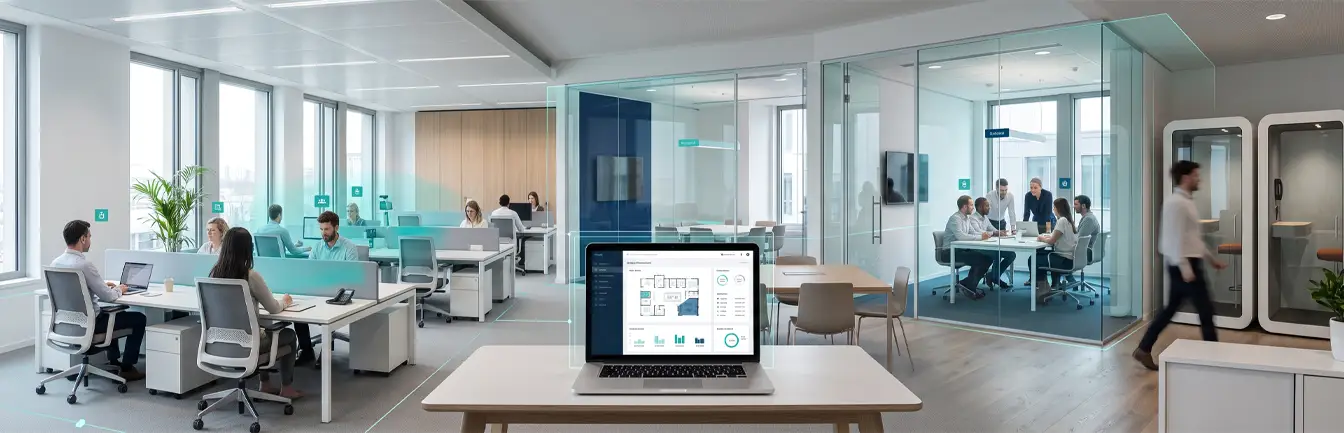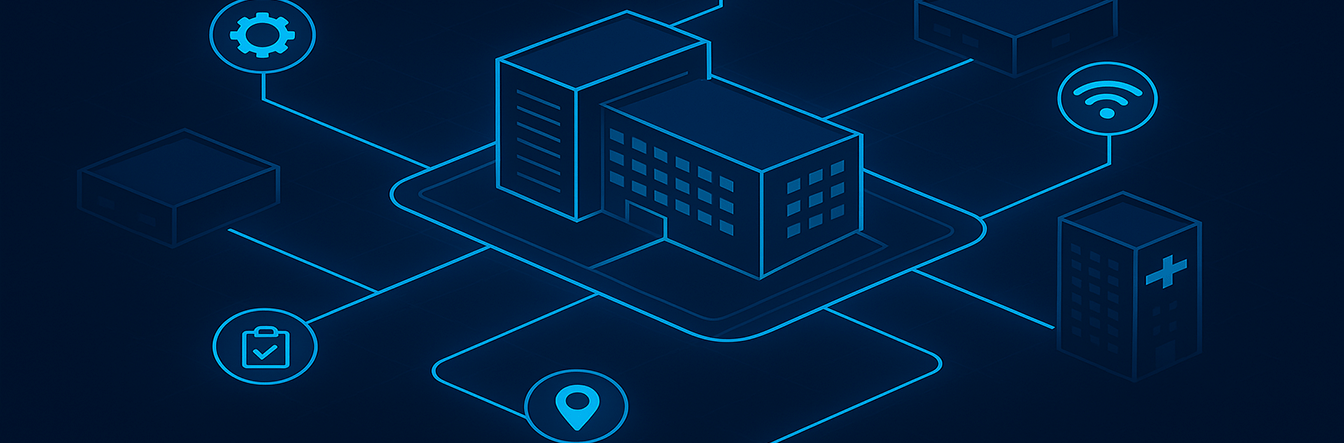

As modern campuses grow in size and complexity, whether in higher education, healthcare, or corporate environments, the challenge of navigating these vast spaces has become increasingly difficult for everyone involved. Traditional paper maps and static signage often fall short in providing the flexibility and accuracy required to meet the dynamic needs of students, visitors, and staff members. This is where Campus Navigation solutions powered by Vicinia come into play. By utilizing interactive maps, organizations can implement a smart solution that revolutionizes how people move through their environment while simultaneously transforming facilities and resource management.
What Are Interactive Maps?
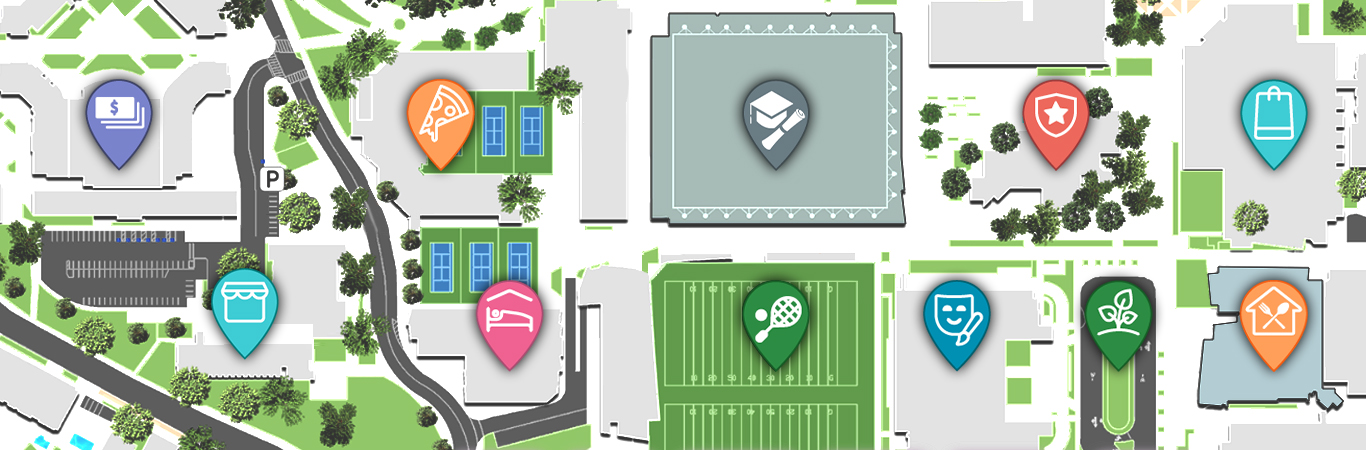
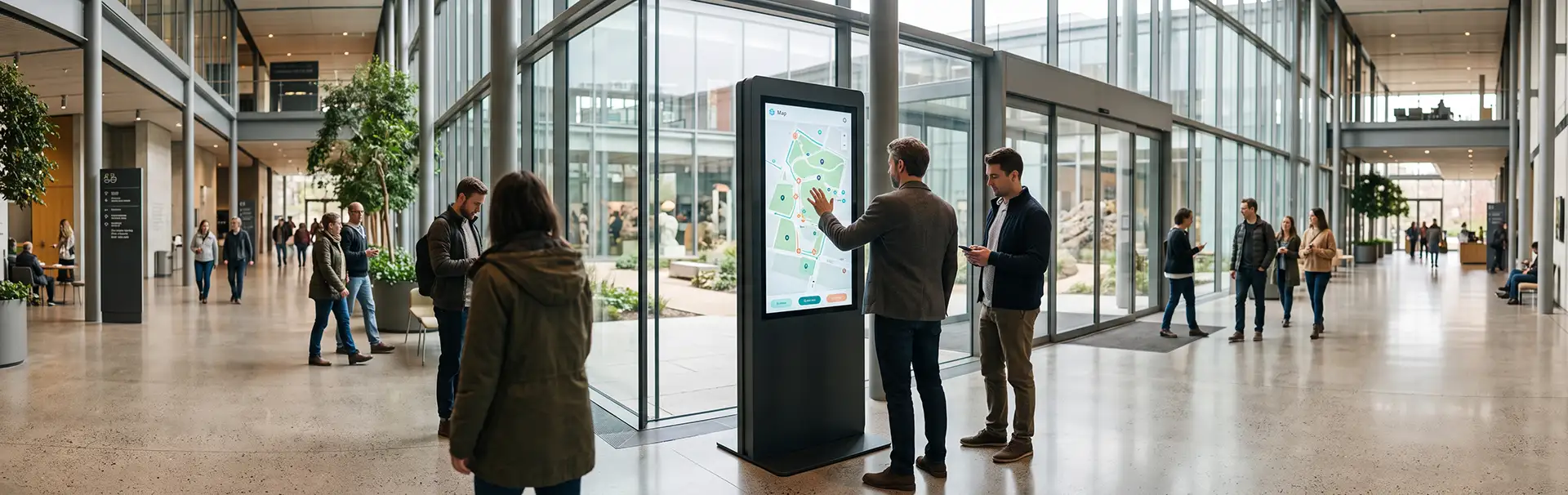
Interactive maps are sophisticated digital tools designed to provide real-time, personalized navigation and resource information. Unlike traditional, static maps that quickly become outdated, interactive maps are dynamic and fully customizable. They enable users to access precise location data, receive route recommendations, and stay updated on the status of campus facilities. These tools can be deployed through multiple touchpoints, including interactive kiosks, mobile applications, and web portals, ensuring that Campus Navigation is accessible to everyone at any time.
Incorporating advanced technologies like GPS, Internet of Things (IoT) sensors, and real-time data integration, these maps go far beyond simple wayfinding. They offer advanced features such as live updates on building occupancy, specialized equipment tracking, and intelligent route optimization. For modern facilities, these maps are no longer just a luxury; they are an indispensable component of the digital infrastructure. By implementing advanced indoor positioning software, institutions can gain granular insights into how people move and interact within their facilities.
1. Streamlining Campus Navigation for Users
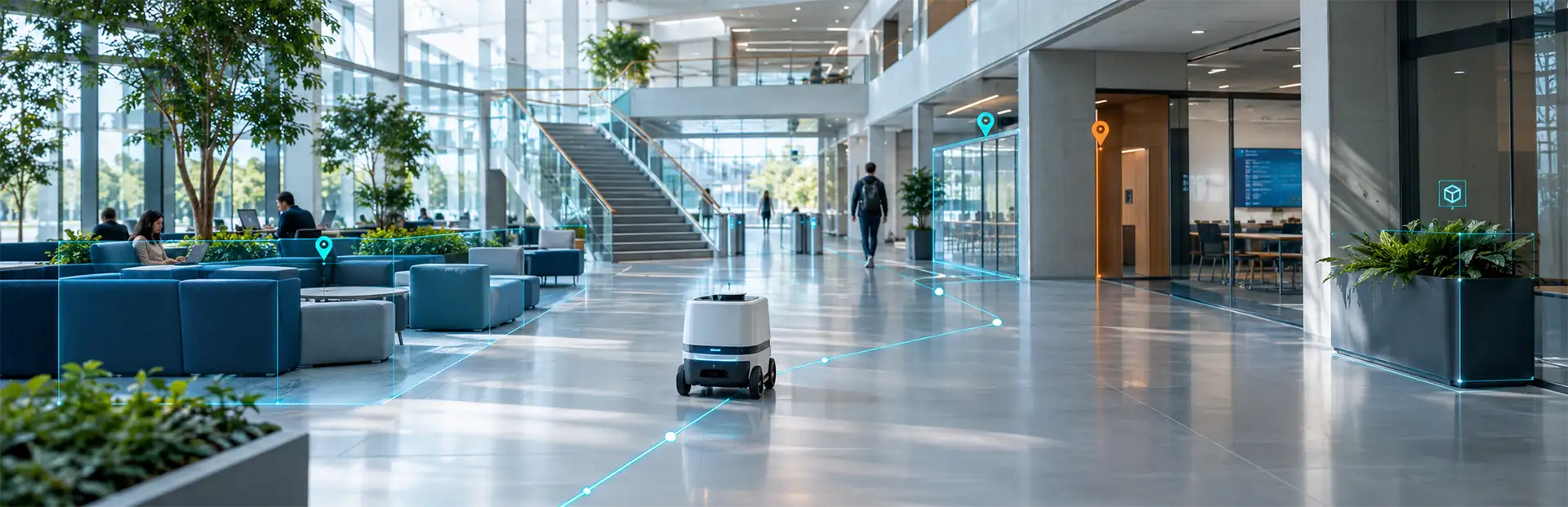
The primary role of interactive maps is to simplify the user experience. Whether it is a new student trying to locate a specific lecture hall on their first day or a visitor attending a professional conference, interactive maps provide turn-by-turn directions tailored to individual needs.
- Real-Time Updates: Interactive maps integrate seamlessly with campus management systems to provide instant updates on room closures, ongoing construction zones, or changes in event schedules, ensuring users are never led astray.
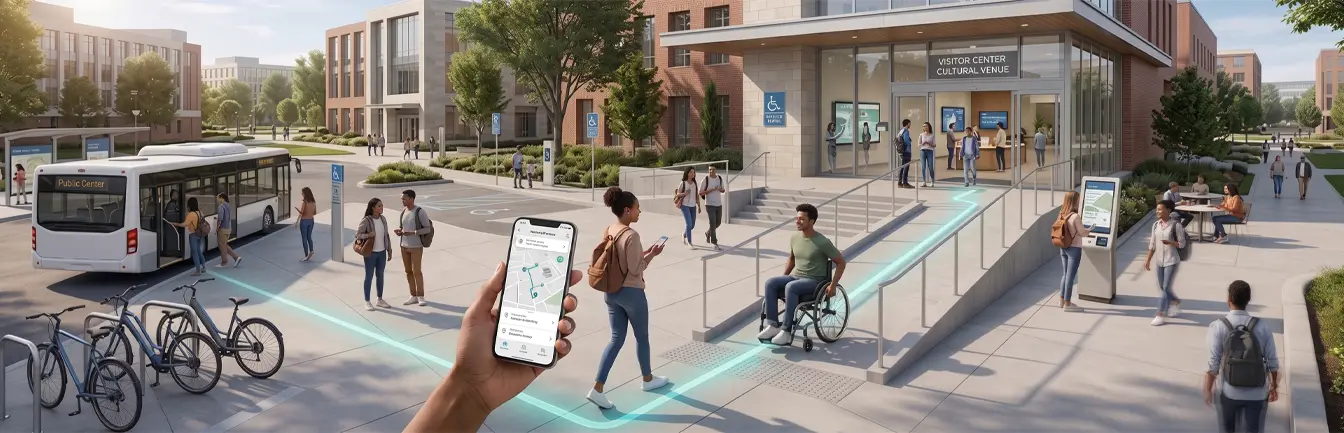
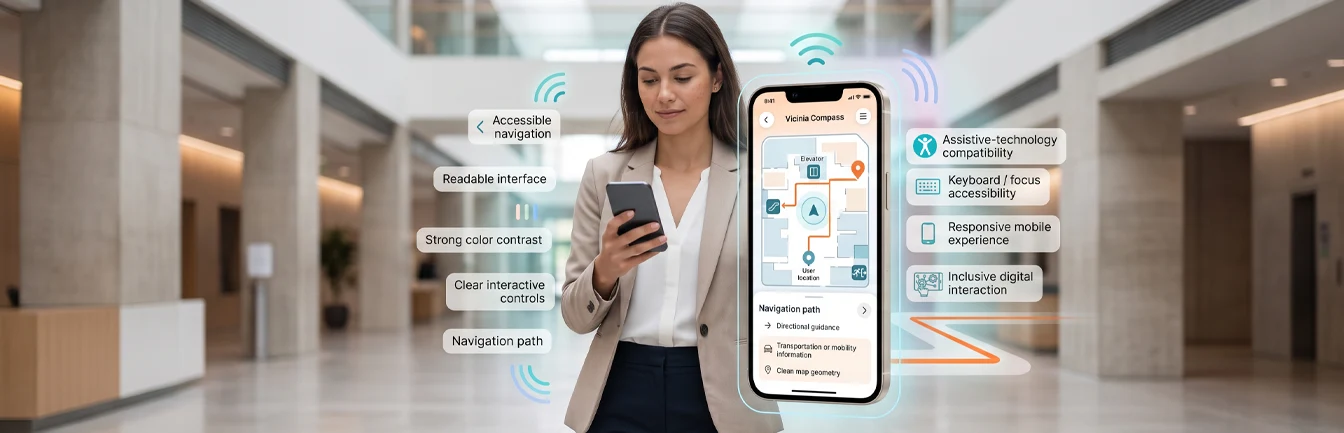
- Enhanced Accessibility: These maps prioritize inclusivity by including ADA-compliant routes, providing multilingual support, and offering audio guidance for individuals with visual impairments.
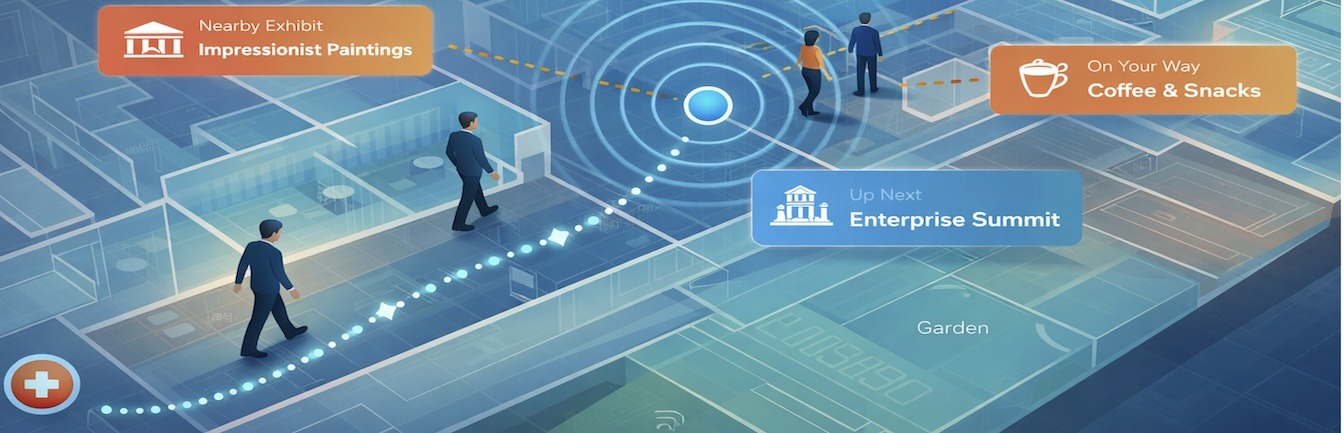
- Dynamic Routing: Advanced systems can adjust recommended routes based on real-time factors like current crowd density, emergency blockages, or specific time constraints.
2. Enhancing Facilities Management Efficiency
Interactive maps are not just tools for the end-user; they are powerful resources for facilities and resource management teams. By integrating with backend campus management systems, these maps enable administrators to monitor, analyze, and optimize operations with unprecedented efficiency.
Asset Tracking and Maintenance
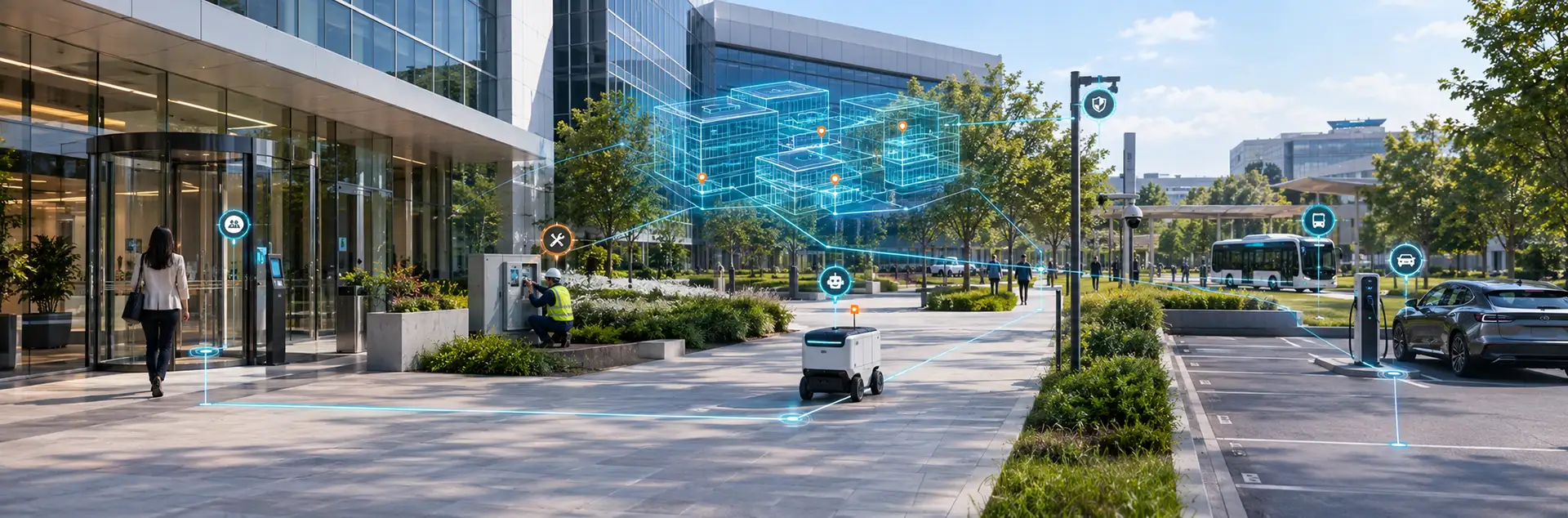
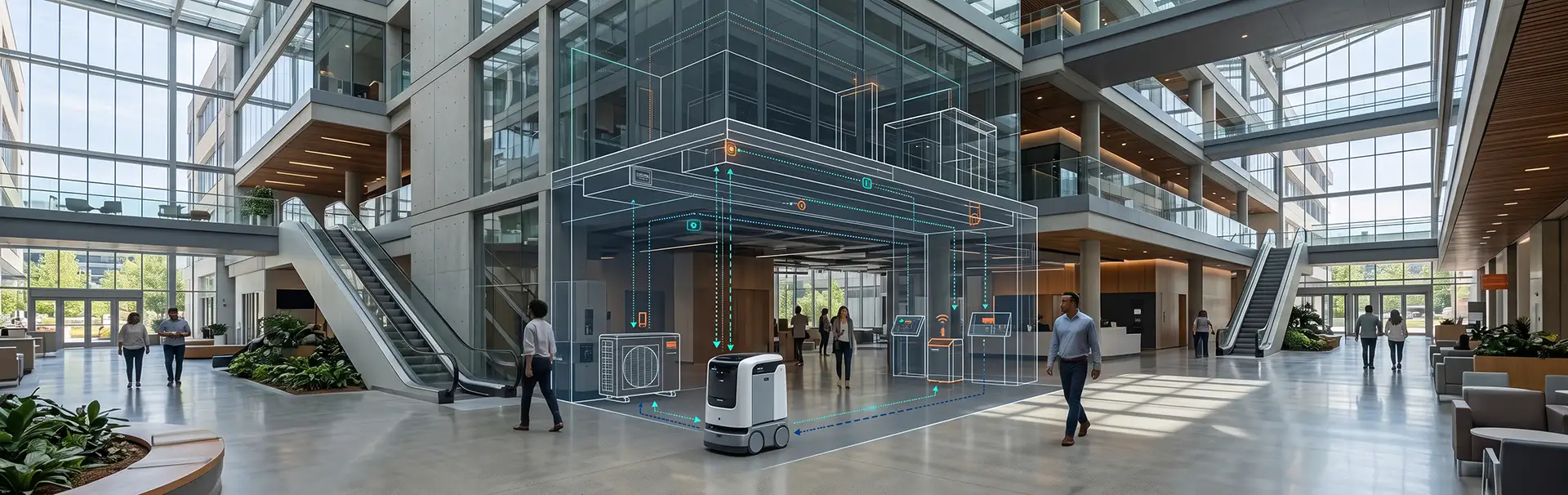
Interactive maps allow facilities managers to pinpoint the exact location of critical campus assets, such as HVAC systems, laboratory furniture, or specialized IT equipment. By linking these maps with IoT sensors or specific asset management tools, teams can achieve the following:
- Monitor the live condition and usage frequency of various physical assets.
- Schedule proactive maintenance or replacements to avoid costly equipment breakdowns.
- Reduce operational costs by streamlining service routes for maintenance staff and technicians.
Space Utilization and Optimization
Understanding how campus spaces are actually used is critical for effective resource management. Interactive maps provide data-driven insights into room occupancy, foot traffic patterns, and vacant spaces. This information helps management to:
- Optimize space assignments for classrooms, meeting rooms, or large event venues based on actual demand.
- Identify underutilized areas and repurpose them for more efficient use, maximizing the value of the physical footprint.
- Guide individuals to available study rooms or resources in real-time, saving time and reducing user frustration.
3. Improving Emergency Preparedness and Safety
In emergency situations, the quality of Campus Navigation data can be the difference between safety and chaos. Interactive maps provide real-time data that is crucial for quick, informed decision-making:
- Facilities managers can visualize building layouts in 3D and coordinate evacuations much more efficiently than with paper charts.
- Emergency personnel can immediately locate critical systems like fire exits, shut-off valves, or AED locations.
- Users can receive push notifications with safe routes and emergency instructions directly through the map interface on their mobile devices.
4. Promoting Sustainability Across the Campus
Interactive maps contribute significantly to a more sustainable campus environment by promoting eco-friendly practices and reducing waste. Vicinia solutions help institutions meet their green goals by:
- Highlighting specific walking or biking routes to reduce the overall reliance on motorized vehicles within the campus perimeter.
- Displaying real-time information about energy-efficient buildings or green-certified facilities to raise awareness.
- Encouraging resource optimization by identifying energy consumption trends in different zones and suggesting operational improvements.
5. Integrating Interactive Maps with Smart Campus Systems
The true potential of interactive maps lies in their seamless integration with the broader smart campus ecosystem. When connected with systems like smart parking, shuttle services, or building automation, these maps offer a unified experience:
- Display live parking availability and guide drivers directly to open spots, reducing traffic congestion.
- Show real-time shuttle schedules and routes, enabling users to plan efficient multi-modal trips across the campus.
- Sync directly with room booking systems to help staff and students reserve available spaces on the go through their mobile devices.